
Skip region workarounds
Use a separate local app instead of changing Apple Account regions, chasing VPN advice, or following unlock guides.
Specchio mirrors and controls your iPhone in a local Mac app, so you can use mobile-only apps, test real-device flows, and avoid region switching or jailbreak advice.
No jailbreak. No cloud relay. No Apple Account region change.
Same Mac. Same iPhone. Fewer features in Europe. Specchio gives European Mac users an alternative without changing regions, using VPNs, or touching jailbreak tools.
Use a separate local app instead of changing Apple Account regions, chasing VPN advice, or following unlock guides.
Specchio is designed around your Mac and iPhone, with no cloud mirroring pipeline in the middle.
Workflow
Open mobile-only apps, check social tools, verify app state, or handle a quick support question from the Mac you are already using.
Control
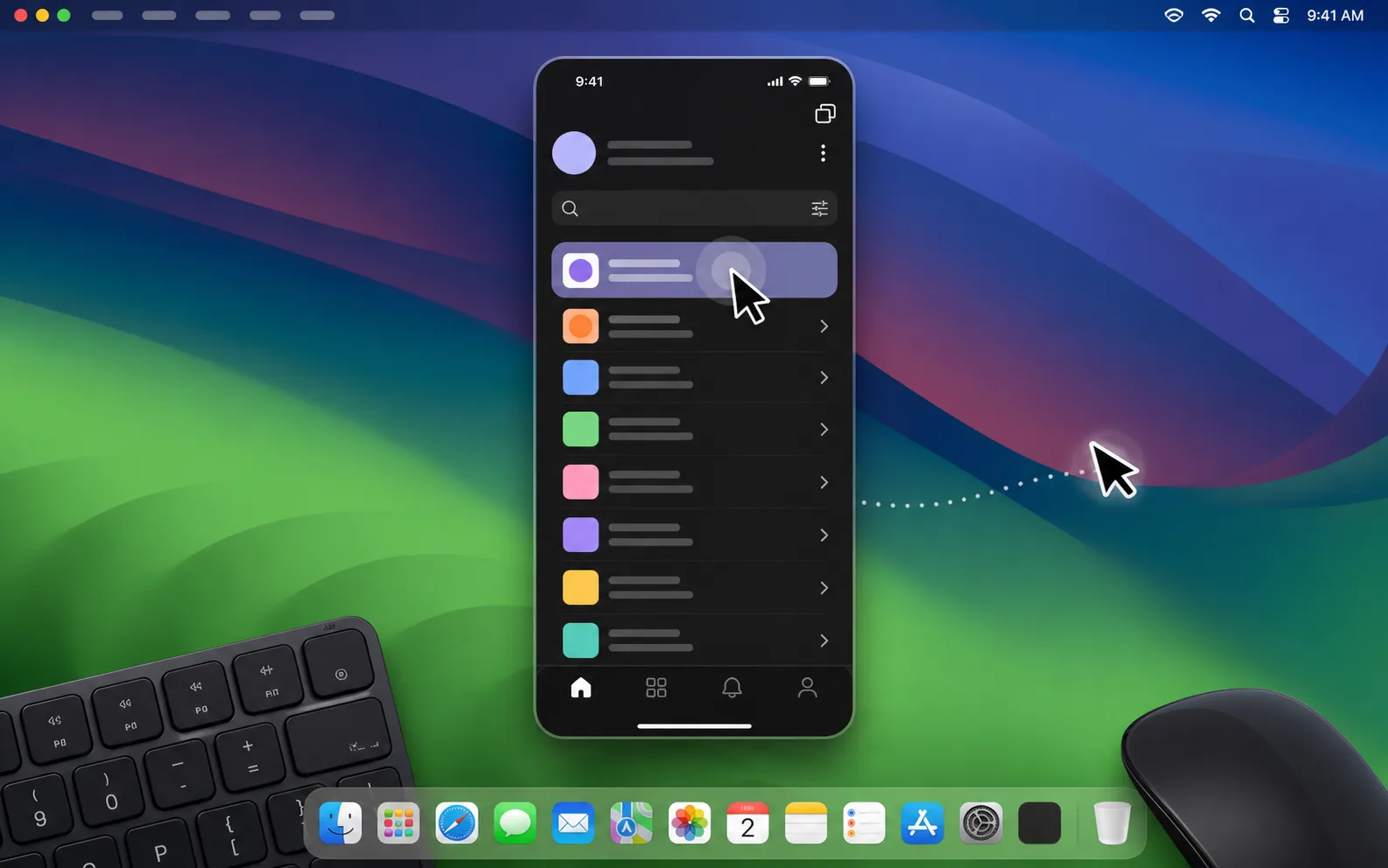
Click, type, and move through iPhone apps from the same desk setup you already use.
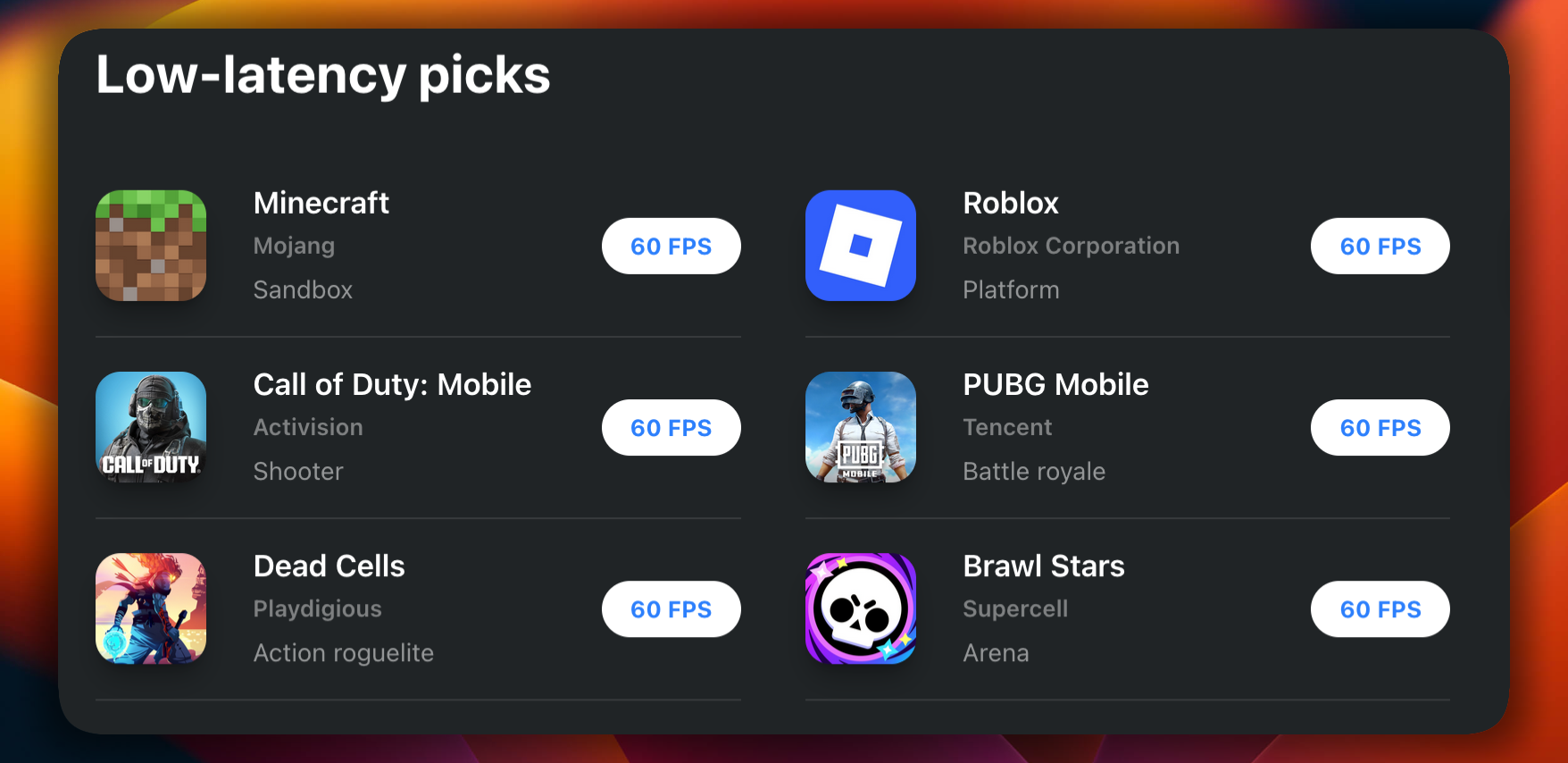
Games
In supported games, Specchio turns your iPhone into a desktop-style setup: bigger screen, steadier USB path, and more precise control than thumbs on glass.
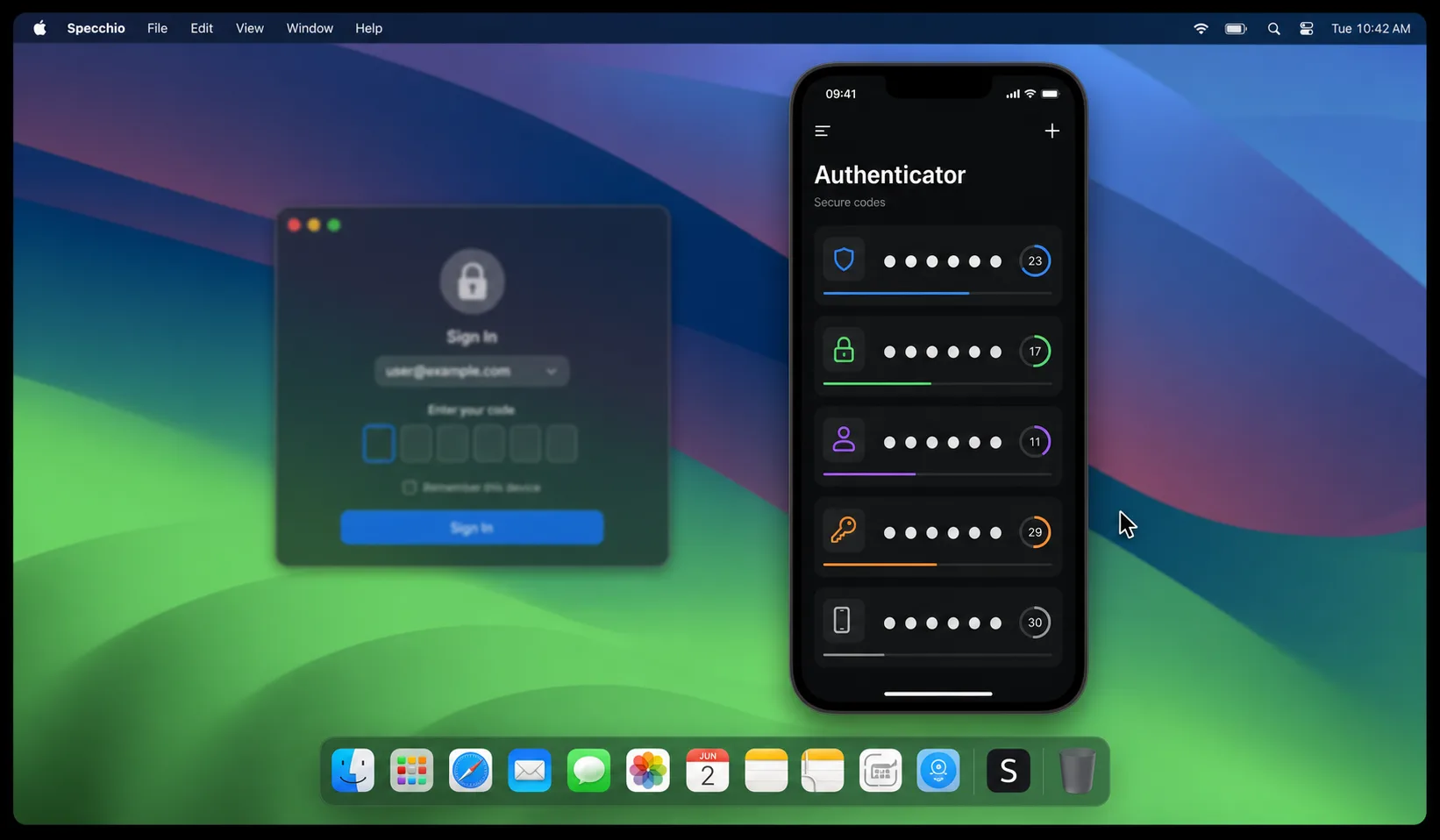
2FA
Keep the iPhone visible while you sign in, approve payments, or confirm app actions from the Mac you are already using.
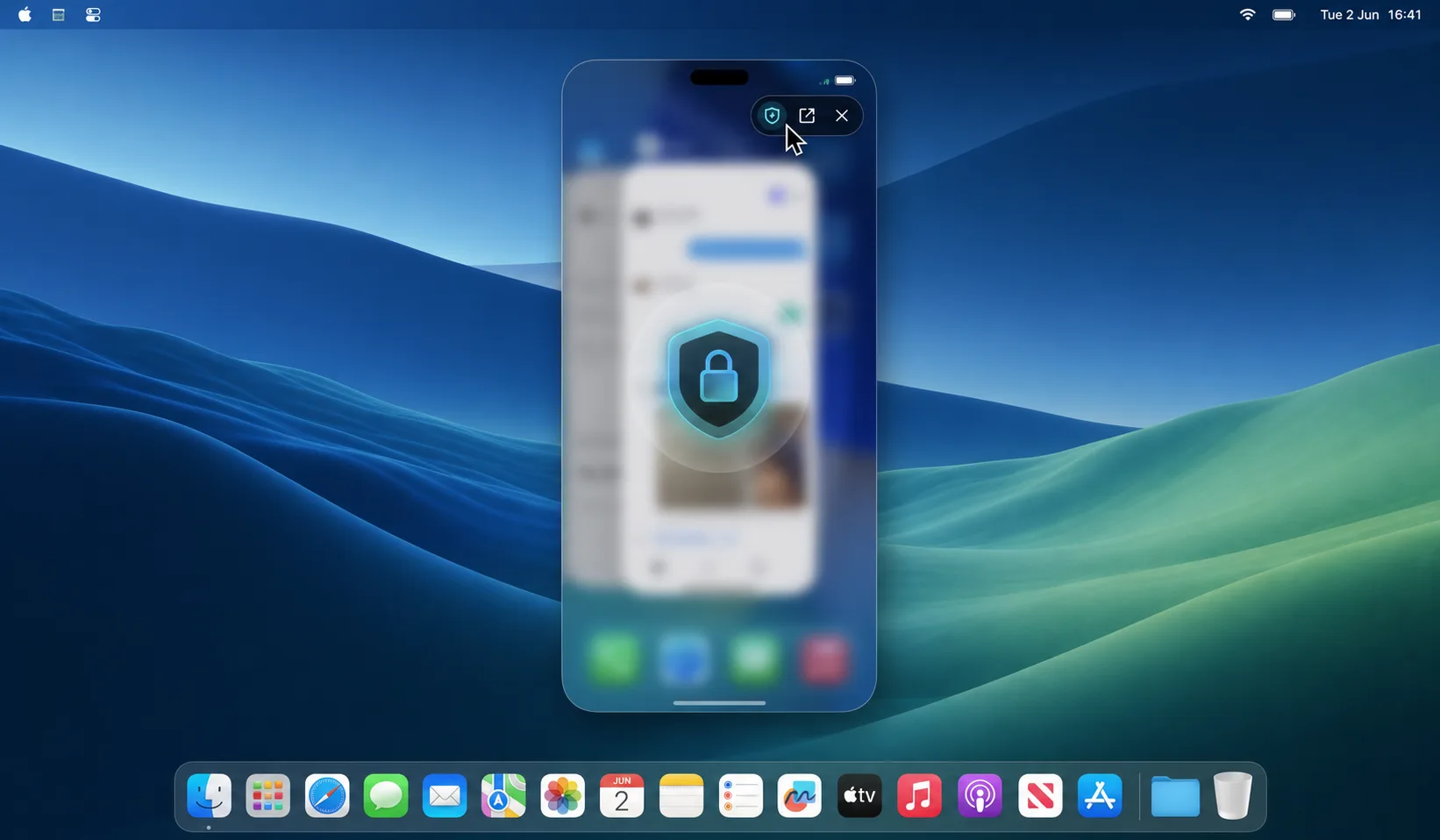
Privacy
Check what you need without making the phone the center of attention, then move back to your Mac workflow without a long context switch.
Charging
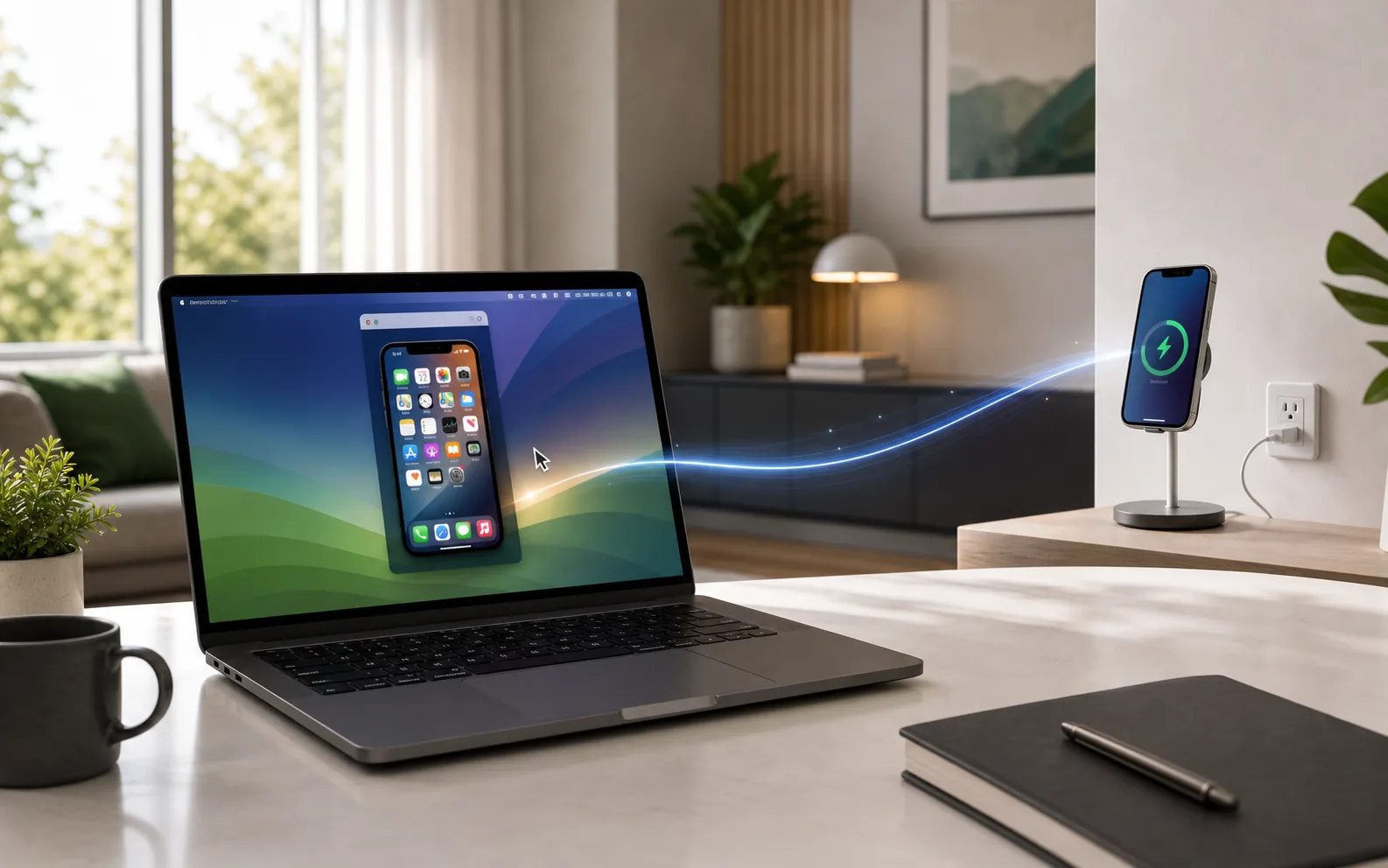
If the phone is on a cable, stand, MagSafe charger, or another desk, Specchio keeps it usable from the Mac you are already sitting at.
Development
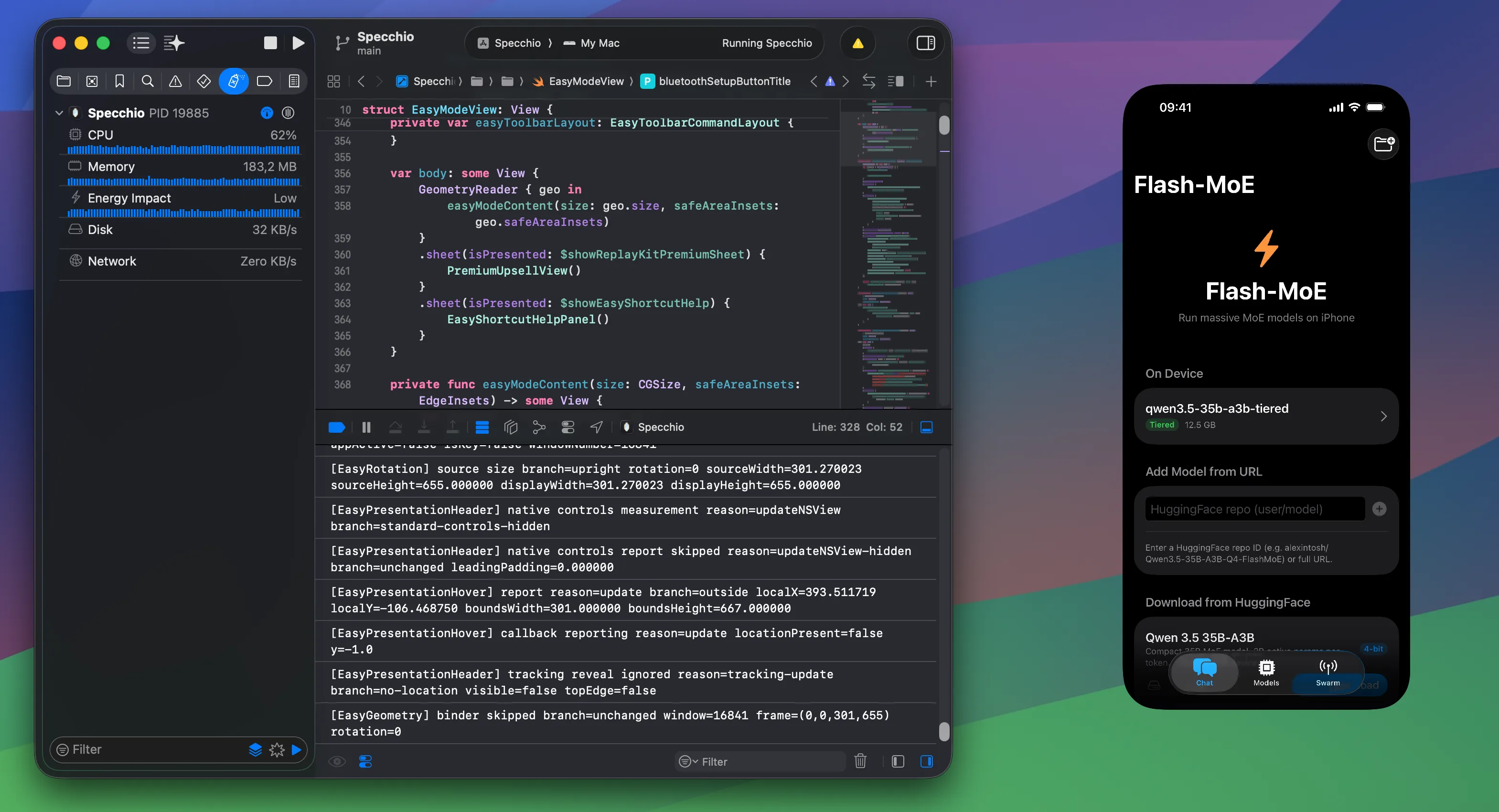
Developers can keep the real device beside their editor, logs, browser, and issue tracker. It is a more honest workflow for mobile details the simulator does not fully capture.
Banking
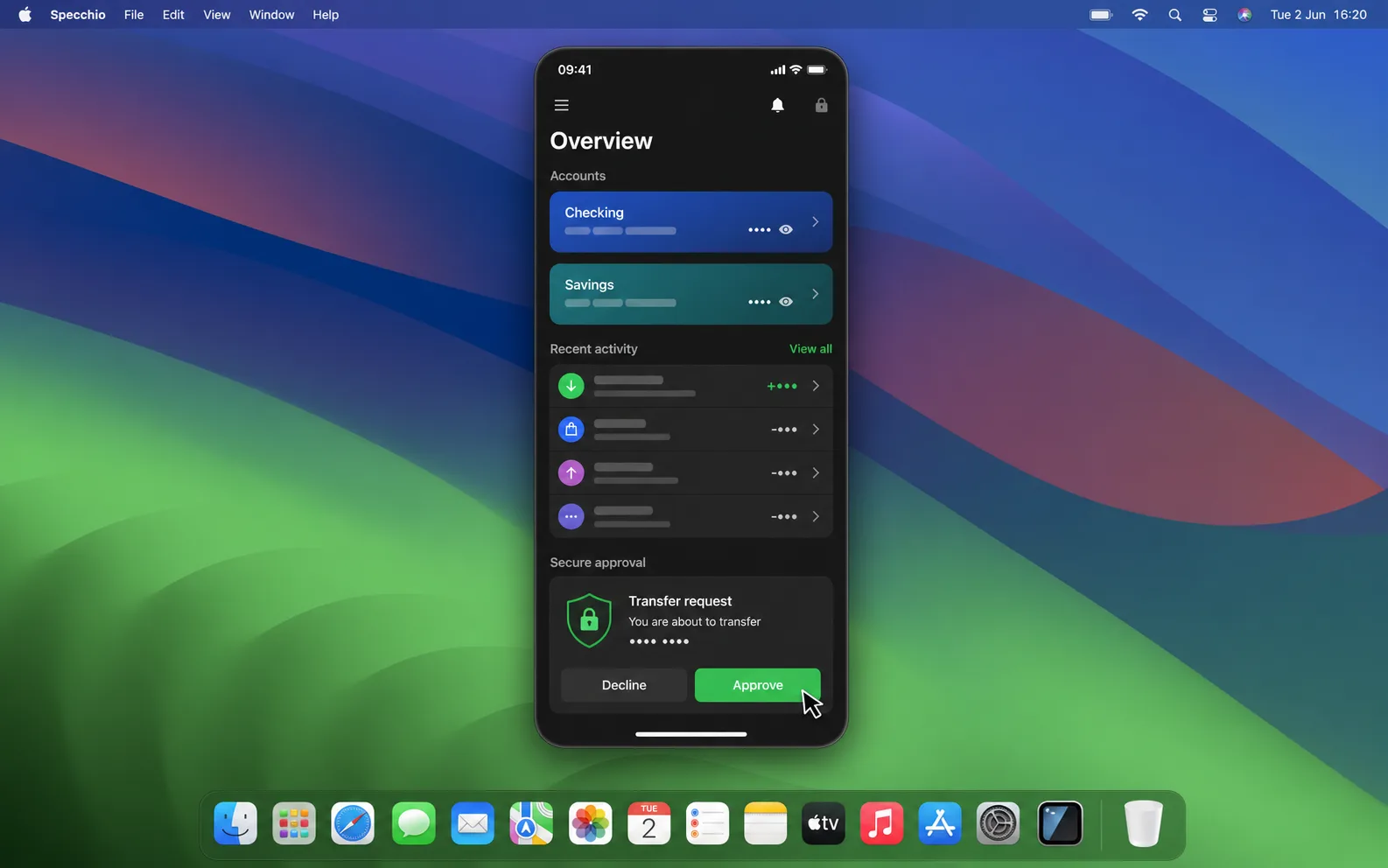
Many financial apps still assume the phone is the primary device. Specchio brings those mobile-only flows into your desktop moment through a local Mac and iPhone workflow.
Mobile-only services
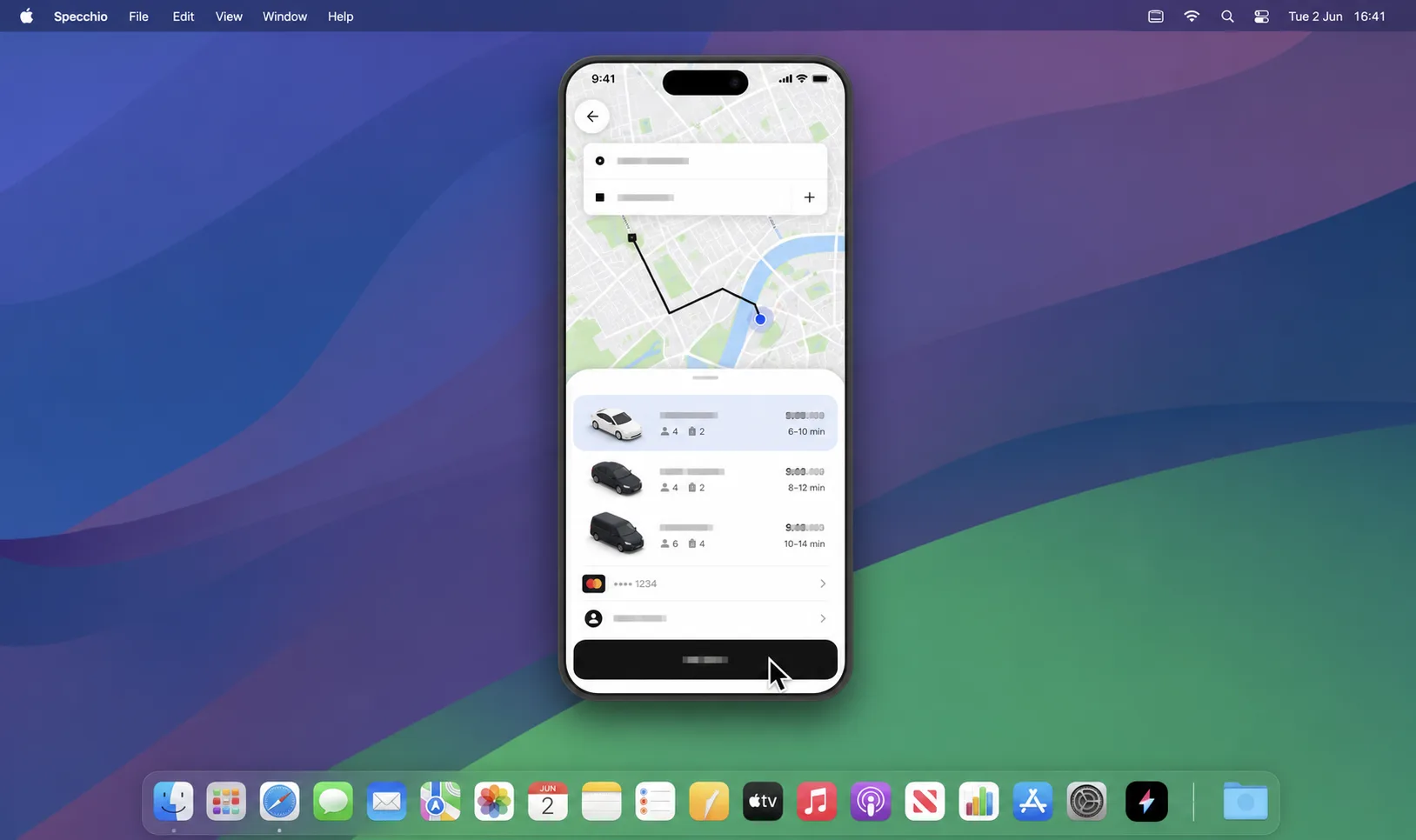
When a service is better on iPhone, or only practical there, Specchio lets the task happen from the Mac instead of forcing a context switch.
Fast to launch, visually quiet, and focused on one job: keeping your iPhone usable without pulling you out of macOS.
Pricing
Choose Pro for personal iPhone mirroring, or Business for QA, developer automation, and agentic use across real devices.
For one person who wants WiFi mirroring, high-speed USB, 60 FPS mode, and no session limits.
Limited time offer
For QA, developer automation, and coding agents like Codex, Claude Code, and OpenClaw that need to control real iPhones.